
IPE.SC.500.001
Epson
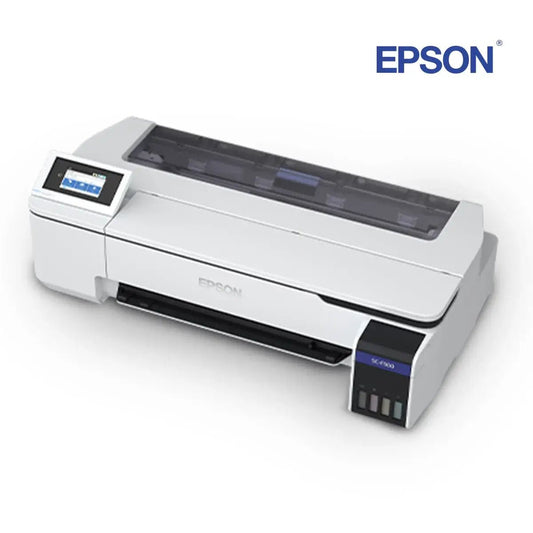
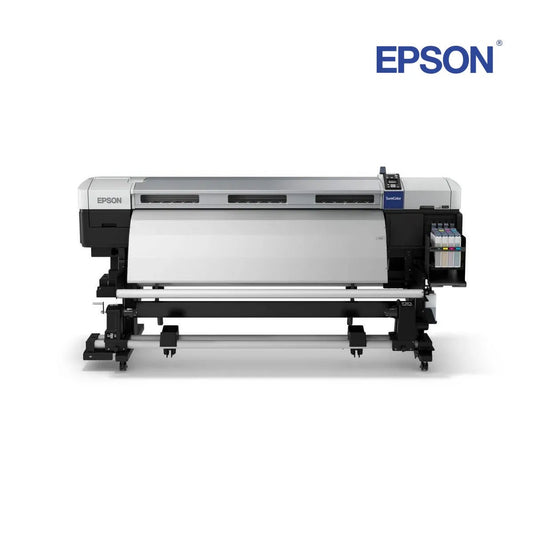
Epson SureColor SC-F500 Sublimation Printer
Ships upon restockorderable
€1.995,00

All printers
From the 61 cm desktop to the large format machines at 163 cm wide.






Straight to the right page
The top row is sublimation, the bottom row is UV. If you already know what you need, you are two clicks from the right collection.
The line-up
Seven machines in the collection, across four models: the SC-F6400, SC-F7200 and SC-F9500 each come in two versions. Work backwards from your widest job; from 112 cm up you are in large format production.
SC-F500
Desktop, entry level
Width61 cm · 24″ VersionsOne version Channels4 (CMYK) Typical workSmall runs, merchandising, photo giftsSC-F6400
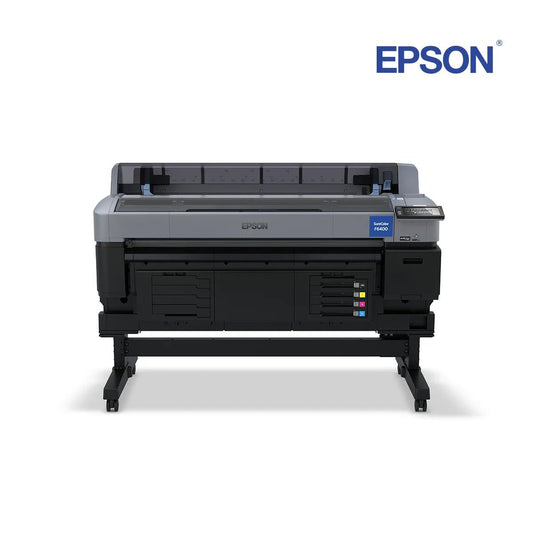
Large format, entry
Width112 cm · 44″ Versions4C and 6C (the H) Channels4 or 6 Typical workSoft signage, textiles, hard substratesSC-F7200
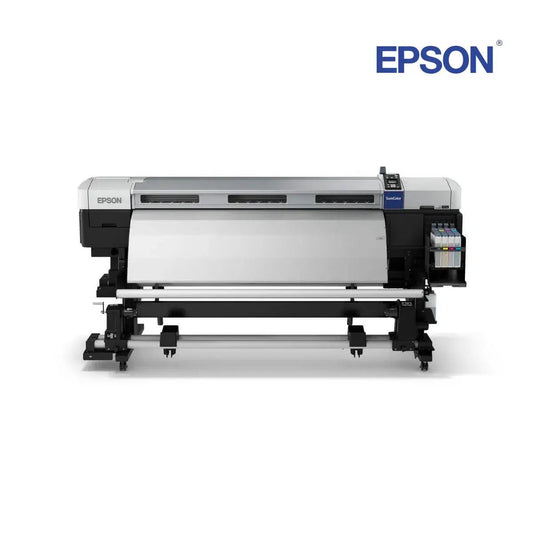
Large format, production
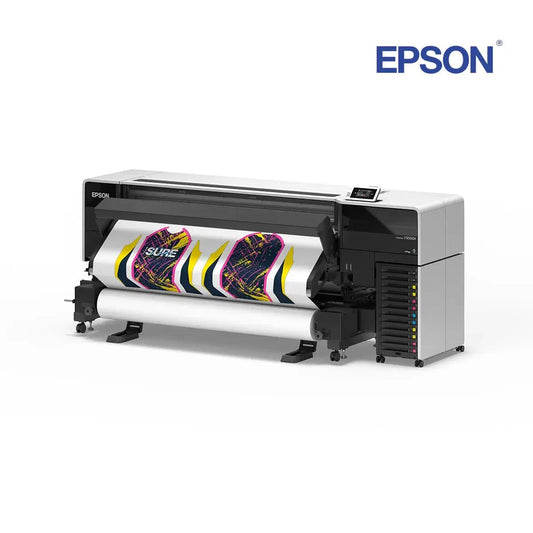
Width163 cm · 64″ VersionsnK and hdK Channels4, with standard or high-density black Typical workTextiles, soft signage, POSSC-F9500
Large format, industrial
Width163 cm · 64″ Versions4C and 6C (the H) ChannelsDual 4, or 6 Typical workHigh-speed textile and signage, vivid sportswearFour or six
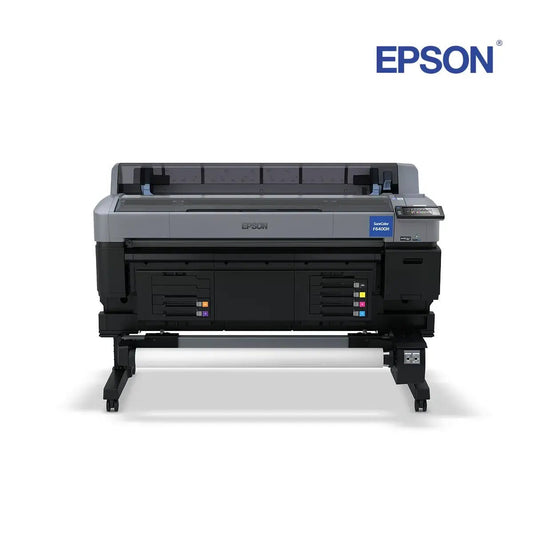
Both the 112 cm and the 163 cm class have a four-colour and a six-colour version. The H in the model name is the six-colour one.
SC-F500 · SC-F6400 · SC-F7200 · SC-F9500
SC-F6400H · SC-F9500H
nK or hdK
The same machine, a different black. Which one you pick also decides which ink you reorder later.

Frequently asked
Six questions about choosing. If you already run a machine and need a part or a message explained, see the support page.
From the SC-F6400 at 112 cm. That is the step from desktop work into large format production: soft signage, banners and textile on the roll. The 163 cm machines do the same work, but faster and in larger volumes. Compare four and six colours
Work backwards from your widest job. If nothing is wider than 61 cm, the SC-F500 does it. Past that, the SC-F6400 series at 112 cm is the production step, and the 163 cm machines are for volume rather than width alone. See the four models
A four-colour machine runs the four process colours. The six-colour versions (the H in the model name) add two extra channels, which widens the range of colours the machine can hit. Which extra channels you get depends on the model. View the printers
The SC-F7200 comes in two versions that differ in the black they run: nK uses the standard black, hdK the high-density black. The rest of the machine is the same. It is a different cartridge, not a setting, so you pick it when you buy. View the ink
Yes, for both lines. Original Epson ink per colour, and the wear parts as separate products: maintenance boxes, waste ink bottles, head and wiper kits for the sublimation machines, and the wiper unit and air filter for the V1000. To the support page
That runs through Epson itself. Our support page has the links to product registration, the CoverPlus warranty registration, the commercial warranty terms, the ink finder and the safety data sheets. To the support page
Tell us what you print on and in what quantity, and we will point you at the machine that fits.
Get started
Then you are nearly there. The ink and the wear parts for your machine are ready, and if you are still weighing two versions, we will look at it with you.
[title]
[message]Love it? Add to your wishlist
Your favorites, all in one place. Shop quickly and easily with the wishlist feature!